bluey conservation station play
selfielab
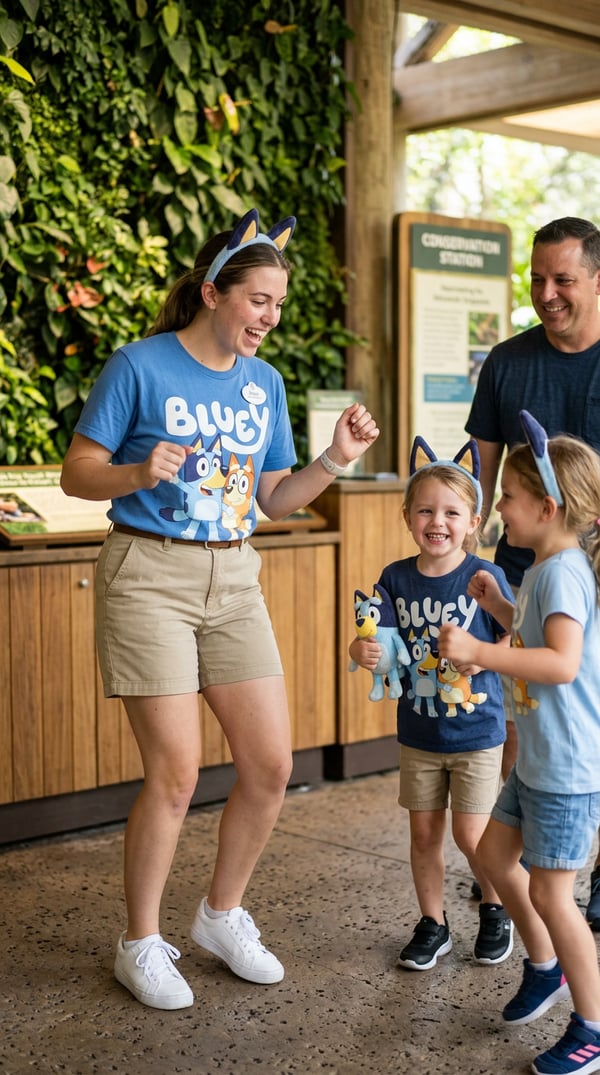
join the hype for bluey and bingo's new summer spot at animal kingdom conservation station during your disney vacation.
what's included
how to use bluey conservation station play
- 1
Sign up or log in
Create a free selfielab account or sign in with Google or Apple.
- 2
Purchase bluey conservation station play
This style is free — add it to your collection with one click.
- 3
Open the AI image generator
Go to the generator and select "bluey conservation station play" from your purchased styles.
- 4
Choose a character and generate
Pick one of your characters, then hit generate to create an AI portrait with this style.
frequently asked questions
What is bluey conservation station play?
bluey conservation station play is an AI portrait style created by selfielab on selfielab. join the hype for bluey and bingo's new summer spot at animal kingdom conservation station during your disney vacation. Once purchased, you can use it with any of your characters in selfielab's AI image generator.
How much does bluey conservation station play cost?
bluey conservation station play is free to use. Simply sign in to selfielab and add it to your collection.
Can I use this style with any character?
Yes. Once you purchase bluey conservation station play, you can apply it to any character you've created in selfielab. The style works with all AI image generation models available on the platform.