
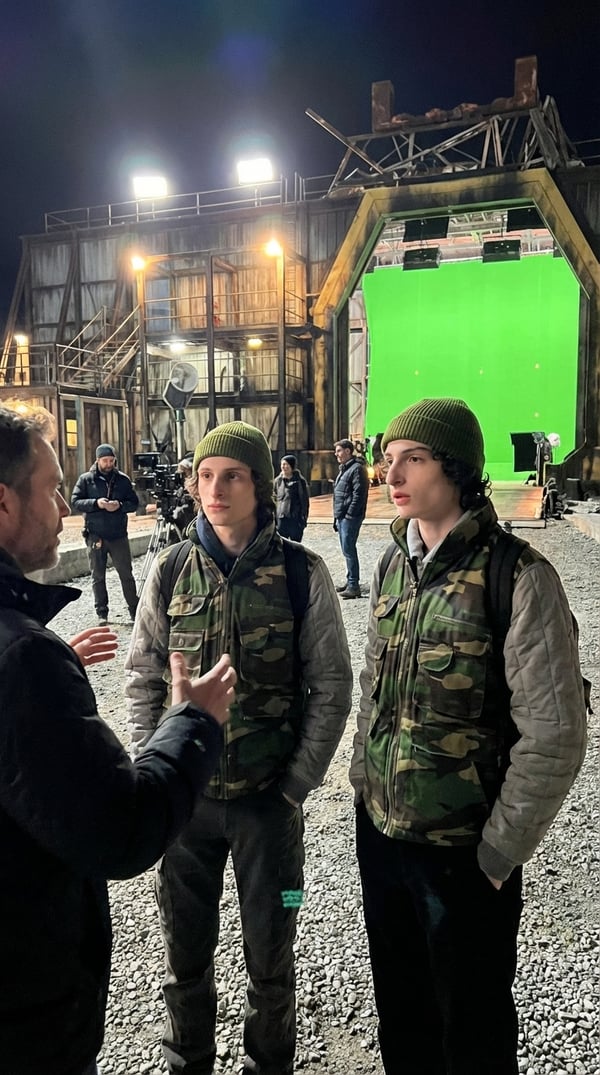
Mike + double listening to director
selfielab
what's included
how to use Mike + double listening to director
- 1
Sign up or log in
Create a free selfielab account or sign in with Google or Apple.
- 2
Purchase Mike + double listening to director
This style is free — add it to your collection with one click.
- 3
Open the AI image generator
Go to the generator and select "Mike + double listening to director" from your purchased styles.
- 4
Choose a character and generate
Pick one of your characters, then hit generate to create an AI portrait with this style.
frequently asked questions
What is Mike + double listening to director?
Mike + double listening to director is an AI portrait style created by selfielab on selfielab. It transforms your photos into unique AI-generated portraits with a distinctive aesthetic. Once purchased, you can use it with any of your characters in selfielab's AI image generator.
How much does Mike + double listening to director cost?
Mike + double listening to director is free to use. Simply sign in to selfielab and add it to your collection.
Can I use this style with any character?
Yes. Once you purchase Mike + double listening to director, you can apply it to any character you've created in selfielab. The style works with all AI image generation models available on the platform.